Referencia
What each module and tier includes
También llamado: plans, what my plan includes, Basic, Pro, limits
This page is the quick reference to what each Nevent module brings and how its tiers differ. Use it to check whether a specific feature is in your plan or belongs to a higher tier.
Nevent is organized in three modules (Marketing, Experience and Revenue) and, within each one, in tiers. It is not a pricing guide: the exact cost of your plan is in the Billing center, or you can ask the sales team.
How the tiers differ
Section titled “How the tiers differ”The criterion is always the same, whatever the module:
| Tier | What it means |
|---|---|
| Basic | You have access to the feature, with a cap meant for trying it and using it at moderate volumes. |
| Pro | The platform works for you at a larger scale: it automates, predicts or acts without you having to be there, with higher limits. |
No capability disappears completely on Basic if it can be offered with a reasonable cap. What changes between tiers is mainly the volume and how much the platform does automatically.
Marketing
Section titled “Marketing”Campaigns on every channel and measurement of what they sell.
| Feature | Basic | Pro | Guide |
|---|---|---|---|
| Email, SMS, WhatsApp and push campaigns, with templates | Included | Included | Create your first campaign |
| Fan management and import, and subscription forms | Included | Included | Import your contacts |
| Segmentation by attendance and fan attributes | Included, no segment limit | Included | Your first segment |
| Unified paid media dashboard (spend and performance) | Included | Included | What is Paid Media |
| Campaign report with owned-channel attribution | Included | Included | Campaign results |
| Audience sync with Meta | Included | Included | Sync a segment as an audience |
| Automations | Not included | Included | — |
| Behavioral segmentation (purchases, music taste, RFM and Nevent Score) | Not included | Included | RFM segmentation |
| Server-side conversions API (Meta, Google and TikTok) | Not included | Included | Meta conversions |
| A/B testing with groups | Not included | Included | Groups and A/B testing |
Experience
Section titled “Experience”Support and communication with the assistant.
| Feature | Basic | Pro | Guide |
|---|---|---|---|
| Unified inbox | Included | Included | Inbox |
| Transactional communication on the four channels | Included | Included | — |
| Conversation analytics | Included | Included | — |
| Chatbot with Nevent AI | Included | Included | How the chatbot works |
| Web widget | Not included | Included | — |
| AI Copilot and multi-agent | Not included | Included | — |
| App with maintenance included | Not included | Included | What is the Superapp |
Revenue
Section titled “Revenue”Multichannel attribution and advanced analytics.
| Feature | Single tier |
|---|---|
| Advanced tracking and Magic Links with UTM tracking | Included |
| Full analytics: events, audience, campaigns and deliverability | Included |
| Advanced multichannel attribution, paid media included | Included |
| Cohorts, LTV, repeat attendance across editions and forecast | Included |
In the meantime, part of this analytics is already available in your current plan. See understanding your analytics to find out what you can access today.
Across everything: included in any module and tier
Section titled “Across everything: included in any module and tier”Three things do not depend on the module or the tier you have:
| Item | Scope |
|---|---|
| Nevent AI | Natural-language query layer with Claude or ChatGPT. Included at no cost on any plan. |
| Contacts | Unlimited. |
| Segments | Unlimited. |
More about Nevent AI in what Nevent AI is.
Limits per tier
Section titled “Limits per tier”These are the caps that do vary between Basic and Pro in the Marketing and Experience modules:
| Item | Basic | Pro |
|---|---|---|
| Custom fields | 3 | 25 |
| Ticketing provider integrations | 1 | 3 |
| Audiences synced to Meta | 3 | 25 |
| Lookalike audiences | 1 | 10 |
| AI chatbots | 1 | 3 |
| Credits included per month | 1,000 | 3,000 |
Contacts, segments, users and history are not in this table because they are unlimited on both tiers.
To learn what a credit is and how it is used, see how the plan and credits work.
Add-ons
Section titled “Add-ons”Extra capabilities you can add to your plan beyond what is included:
| Add-on | What it adds |
|---|---|
| Additional brand | One more brand in your organization. The first brand is included in the plan. |
| Additional ticketing provider | One more integration beyond those included in your tier. |
| Custom short link domain | Your own domain for your short links. |
| Dedicated email IP | Advisable only from high monthly sending volumes. Quoted case by case. |
The cost of each add-on is available in the Billing center or from Nevent’s sales team.
Enterprise
Section titled “Enterprise”Above Pro there is a tailored Enterprise tier, which includes support coverage for the whole season, a direct channel, an assigned Customer Success and quoted onboarding. See support by plan for the coverage details.
Where to check your account’s plan and price
Section titled “Where to check your account’s plan and price”This page describes the functional scope of each module and tier, not the price. To see your plan, its status and your account’s monthly price:
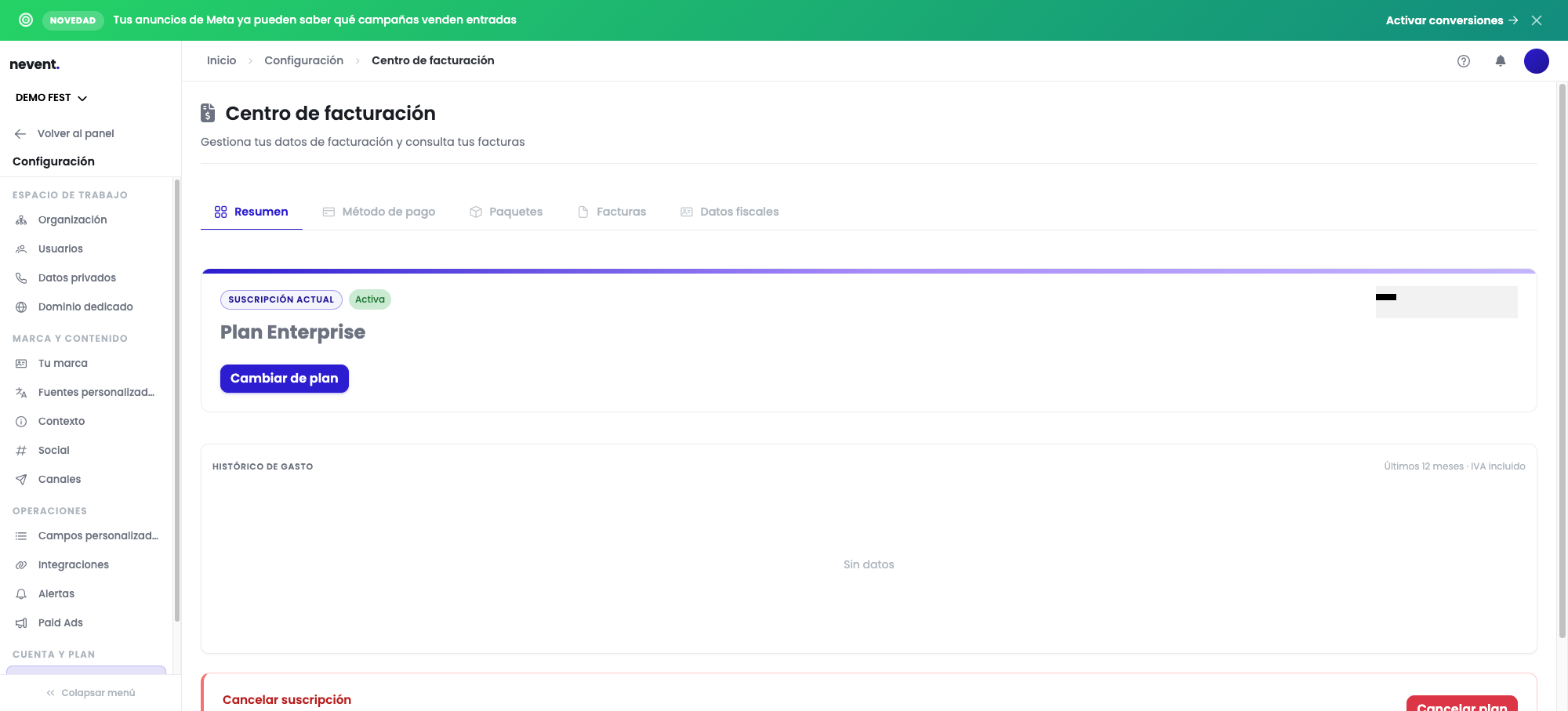
- Your plan and its price are in Settings → Account & plan → Billing center. See also the plan and billing reference.
- Changing module or tier, and the price of an add-on, are handled by Nevent’s sales team.