
Cómo hacer
My segment is empty or incomplete after an import
You’ve just imported contacts, you open a segment that should include them and the audience shows zero, fewer than you expected, or a Syncing notice. Here’s what each state means and what to do in each case.
Before you start
Section titled “Before you start”When an import finishes, your contacts are already in the Fans section. But for the segmentation engine to use them (and the fields your file carried), Nevent runs a second step in the background: the segmentation sync. Until that step finishes, a segment that depends on that import shows a partial audience.
If you haven’t imported yet, follow Import your contacts first.
Step 1: Check whether the segment shows the Syncing notice
Section titled “Step 1: Check whether the segment shows the Syncing notice”Open the segment from Audience → Segments and stay on the Summary tab. If the latest import is still syncing, you’ll see a notice reading Syncing the contacts of the latest import, or Syncing: X of Y contacts available. The estimated attendees figure below it is partial while that notice is visible.
You don’t need to do anything: Nevent checks the state every 30 seconds and the notice goes away on its own when the sync finishes.
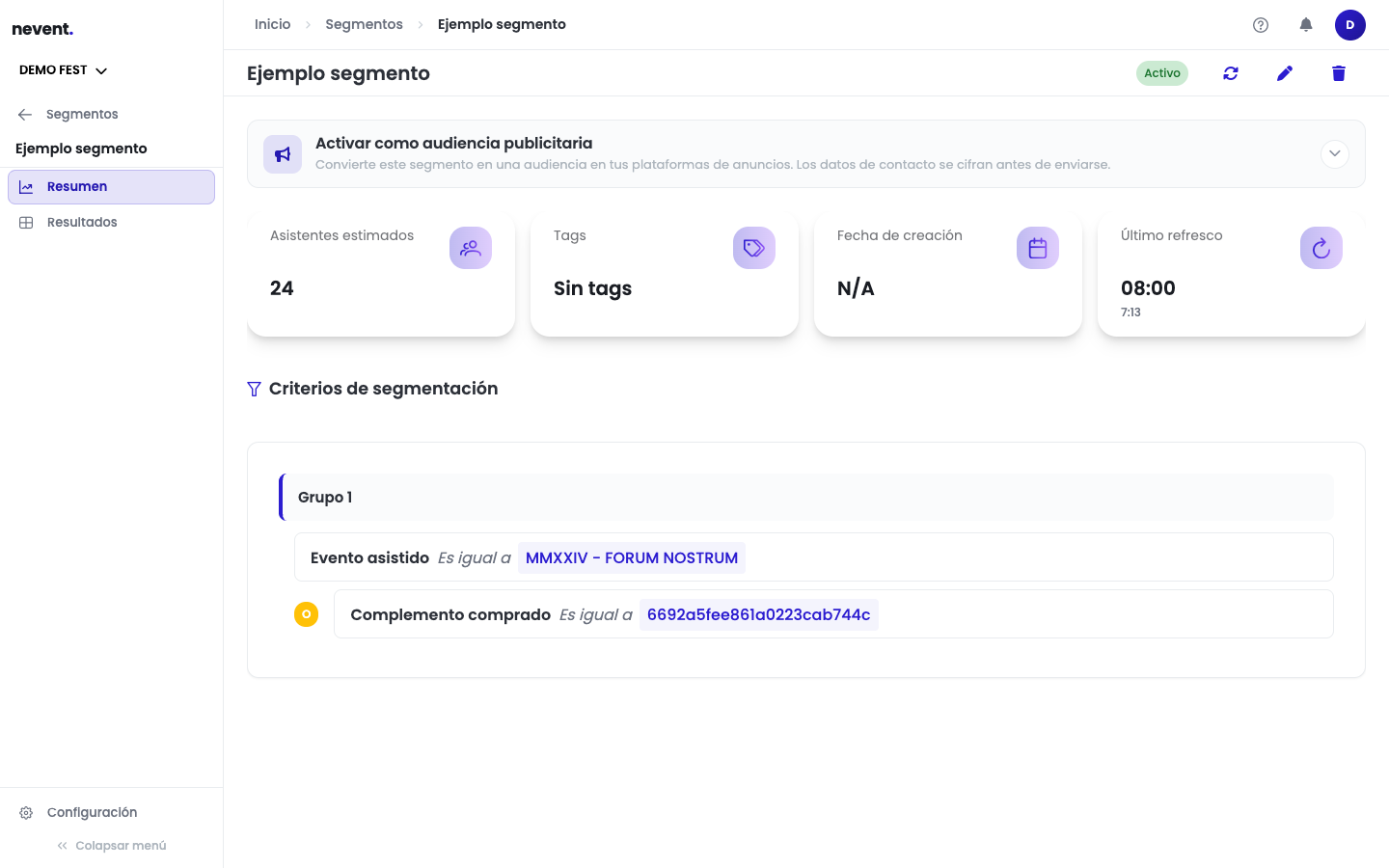
The Results tab behaves the same way: while the sync lasts, instead of an empty table you’ll see the message Contacts will appear here as they finish syncing.
Step 2: If the notice says the sync has stopped, retry
Section titled “Step 2: If the notice says the sync has stopped, retry”If instead of Syncing you see The sync of the latest import has stopped, the process gave up before finishing. A Retry sync button appears next to the notice.
When you click it, Nevent confirms with Sync retried. It may take a few minutes. and the segment goes back to Syncing. The original file isn’t re-imported.
You can also retry from the import history: the affected import shows the Sync incomplete tag with its own Retry button. See Import your contacts for details.
Step 3: If the custom field selector is empty, read the message
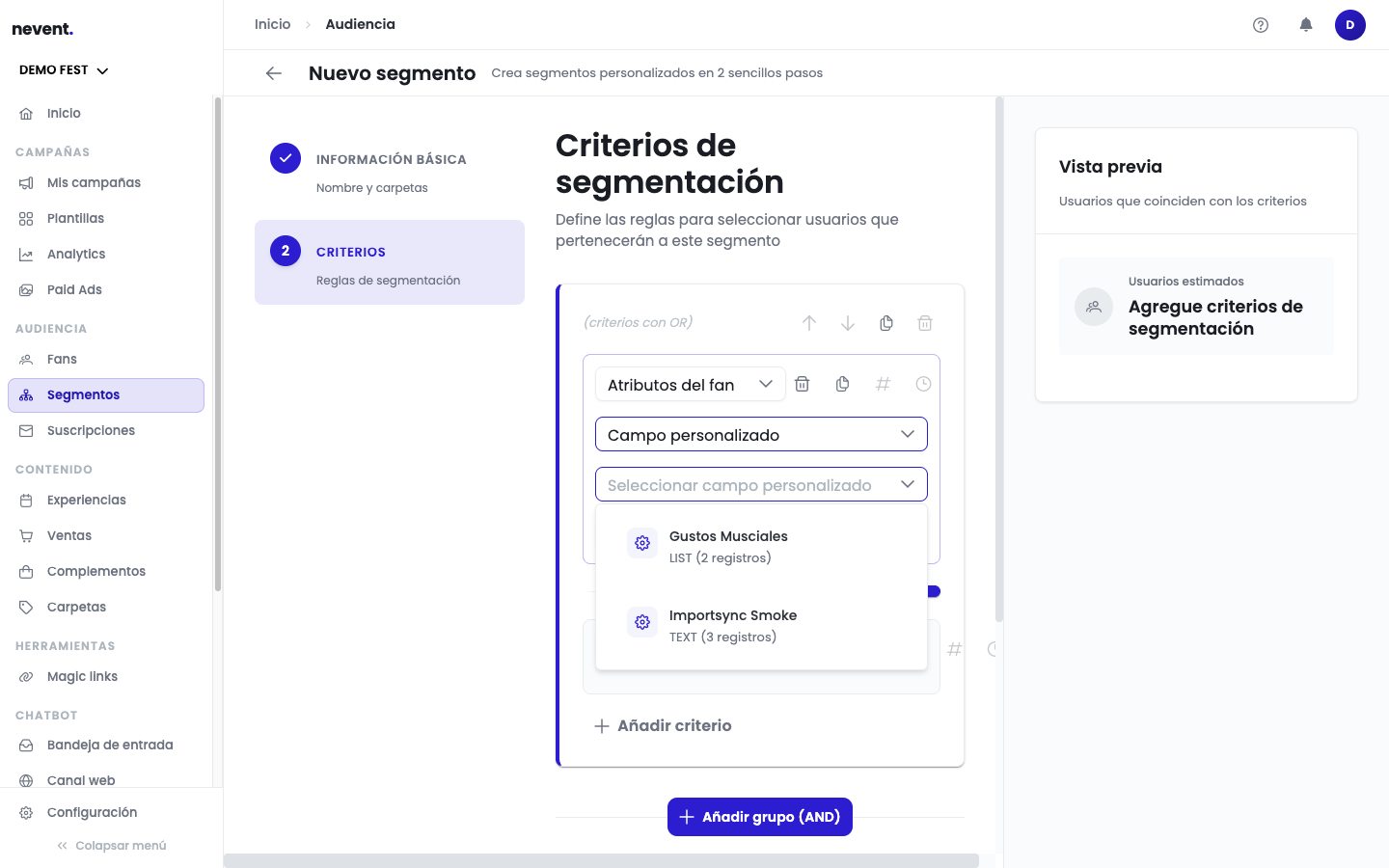
Section titled “Step 3: If the custom field selector is empty, read the message”When building a criterion of type Fan attributes → Custom field, the field dropdown may show no options. It’s no longer just a silent grey dropdown: the reason appears below it.
| Message | What to do |
|---|---|
| Loading custom fields… | Wait a few seconds. |
| The latest import is still being prepared for segmentation. | Wait for the sync to finish. |
| Preparing the latest import failed. It can be retried from the history. | Click View import history and retry the sync. |
| Custom fields could not be loaded. Try again. | The load failed, not the import. Reload the page. |
| This tenant has no custom fields with data yet. | A genuine empty state: no import has brought custom fields. |
What to check
Section titled “What to check”- If the segment shows Syncing, the import isn’t lost: wait for the notice to disappear.
- If the notice says the sync has stopped, click Retry sync.
- If the audience can’t be loaded and you see The audience could not be loaded, it’s a temporary error reading the answer: click Retry. It doesn’t mean the segment is empty.
- If the custom field selector is empty, act on the message from the table in step 3.
Next step
Section titled “Next step”- Import your contacts to understand the import history and its states.
- Create your first segment if you want to revisit how a segment is built step by step.