
Referencia
Support by plan
También llamado: support, customer service, how to contact, SLA
This page summarizes which channel, commitment and training Nevent support includes for each plan tier. It is a reference: for specific questions, use the support chat or write to the email address below.
What each tier includes
Section titled “What each tier includes”| Basic | Pro | Enterprise | |
|---|---|---|---|
| Channel | Email and in-product chat | Email and in-product chat | Email and chat with a named contact person, plus a direct contact channel |
| Commitment | Best effort during business hours | Best effort during business hours, with reinforced coverage during your declared critical window | Committed coverage for the whole season |
| Proactive work | No proactive review | Account review at the start of the season | Customer Success assigned to your account |
| Training included | Self-service (this help center) or a group session | 2 to 4 hours | 10 hours |
Reactive support (answering when you write to us) is included in all three tiers and is not billed separately.
What the critical window is
Section titled “What the critical window is”The critical window is the stretch of time when it matters most that everything works: the 72 hours after an event’s sales open and the week the event takes place.
You declare it when you set up your account. If your plan is Pro, that is when support coverage is reinforced.
How to contact support
Section titled “How to contact support”You have two ways, available on any plan tier:
- In-product chat: it opens from the help icon in the top right corner of any dashboard screen and lets you write directly to the Nevent team.
- Email: support@nevent.ai.
If your plan is Enterprise, you also have a named contact person and a direct contact channel, which your assigned Customer Success will give you.
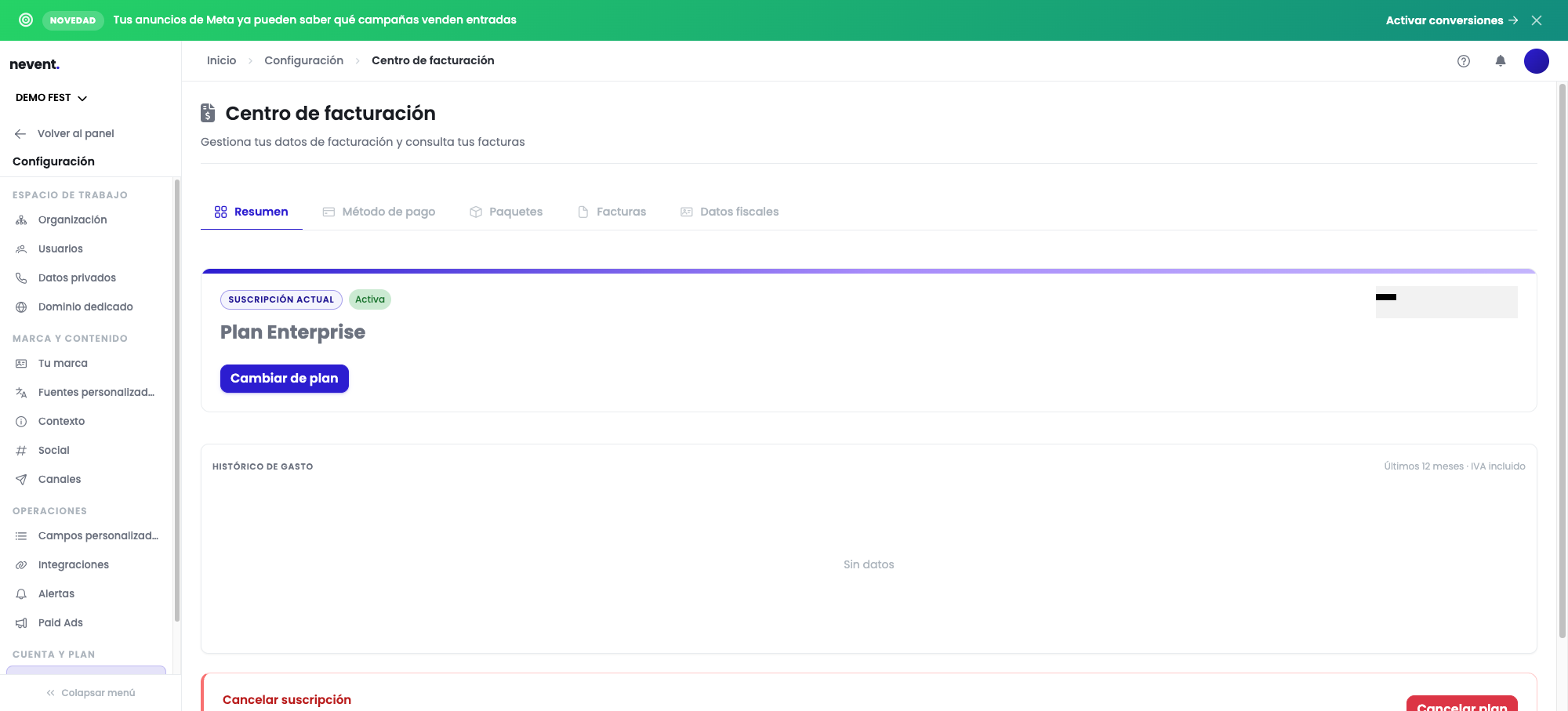
To check which plan you have, go to Settings → Account & plan → Billing center.
Related content
Section titled “Related content”- What each module and tier includes
- My ticketing platform isn’t integrated, for a real example of a conversation in the support chat.
- Plan and billing reference